Log in using your existing PlayerFirst username.
Logging in with the correct account ensures your athlete’s profile is properly connected to your UCVerified subscription.
Step 2: View Your Subscriptions
Navigate to the Invoices & Payments tab to view your current subscriptions.
Invoices & Payments
Step 3: Upgrade Your Subscription
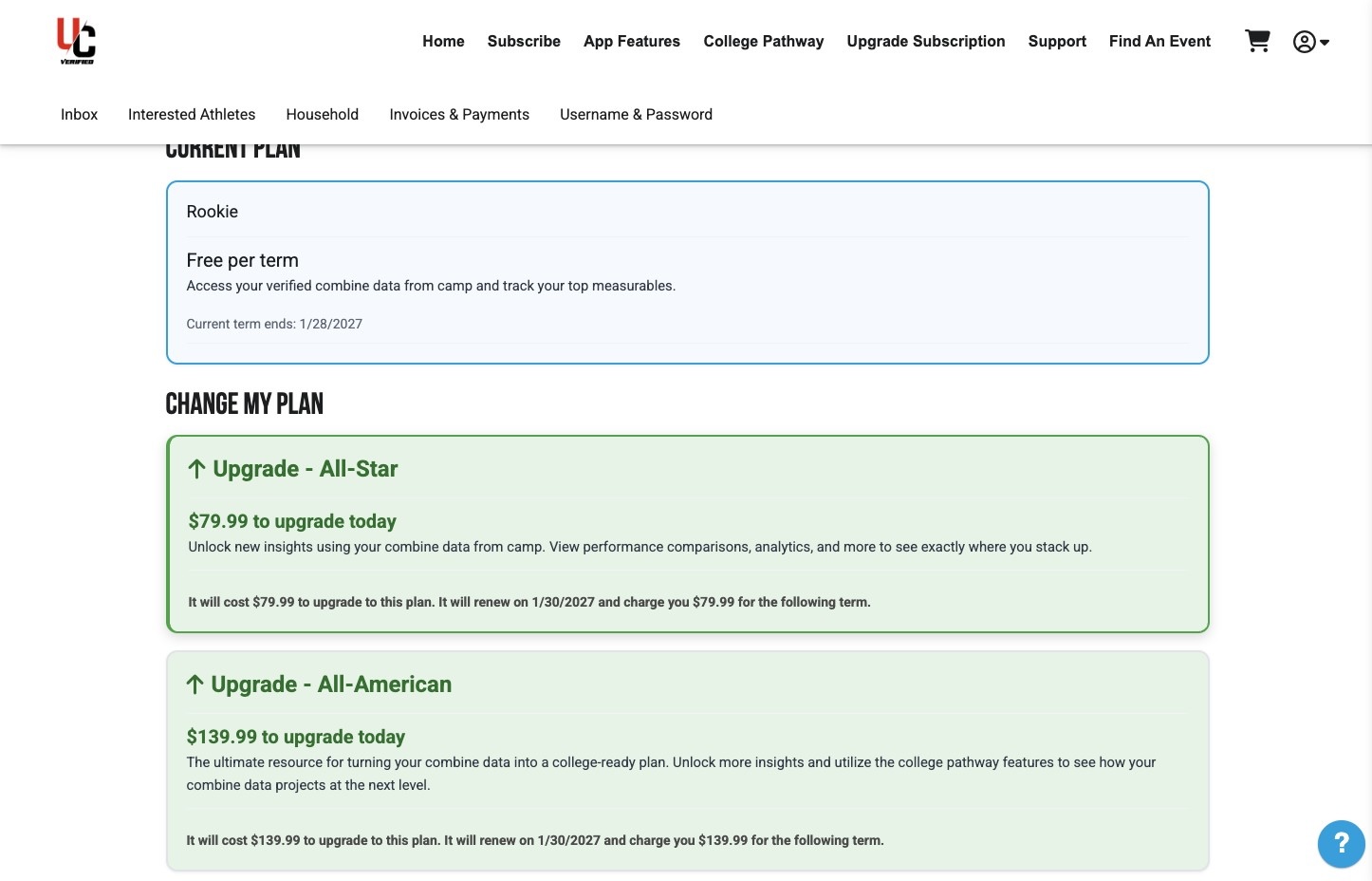
Under Subscriptions, select the Upgrade icon in the Actions column to view upgrade options.

Select your desired subscription tier and choose Continue to add it to your cart.
Step 4: Access Your New Subscription
Log out, then log back in on the app to refresh your account and view your updated subscription level.